
Founded in 2012 by a group of designers and engineers, PicMonkey quickly rose to prominence due to its simple yet effective approach to photo editing. Unlike traditional, complex software like Photoshop, PicMonkey's online platform allowed users to make quick edits directly in their browsers without the need for any downloads or installations. The platform's evolution over the years has included features for graphic design, video editing, and more, establishing PicMonkey as a versatile tool for both photo enthusiasts and professional designers.
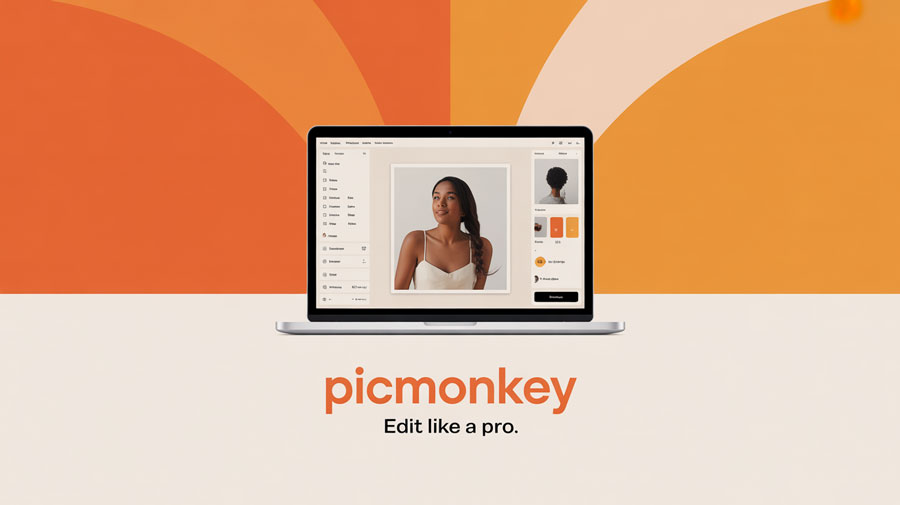
Key Features of PicMonkey
- Photo Editing Tools: PicMonkey offers a wide range of essential editing tools, from basic adjustments like cropping, rotating, and resizing to advanced features such as color correction, sharpening, and noise reduction.
- Templates and Designs: Whether you’re designing social media posts, flyers, or invitations, PicMonkey has an extensive library of templates that you can easily customize to suit your needs.
- Collage Maker: Create beautiful photo collages by selecting from a variety of layouts, backgrounds, and styles. It's a great way to showcase multiple images in a single design.
- Text and Font Tools: Add personalized text to your images using a diverse selection of fonts and text effects. PicMonkey also allows you to adjust the text to fit perfectly with your design.
- Advanced Filters and Effects: Transform your images with professional-quality filters, textures, and effects. You can also apply artistic effects, such as oil paint or watercolor styles, to give your photos a unique look.
- Background Remover: A standout feature is the background remover tool, which allows users to remove unwanted backgrounds from images and replace them with custom ones.
- Graphics and Stickers: PicMonkey offers a wide variety of graphics, illustrations, and stickers to enhance your designs. From arrows to decorative elements, you can add fun or professional touches to your work.
- Video Editing Tools: Beyond photos, PicMonkey offers basic video editing tools that let you add music, text, and effects to your videos, making it an all-in-one creative platform.
Why Choose PicMonkey for Online Photo Editing?
PicMonkey's online platform offers a seamless experience for those who need to quickly edit images and create professional-looking designs. One of the key advantages of using PicMonkey is its cloud-based nature, meaning you can access your projects from any device with an internet connection. This makes it a convenient choice for users who need to work on the go.
Moreover, PicMonkey’s intuitive design makes it easy for beginners, while its robust tools cater to more experienced users. Whether you're a hobbyist or a business owner, PicMonkey provides a perfect balance of accessibility and creativity.
Related Platforms for Online Photo Editing
- Canva (www.canva.com): Known for its drag-and-drop interface, Canva makes it easy to create professional designs for social media, presentations, and marketing materials.
- Fotor (www.fotor.com): Fotor offers online photo editing with advanced retouching tools, HDR effects, and beauty features that are perfect for portrait photography.
- BeFunky (www.befunky.com): An easy-to-use photo editor and graphic design tool with a wide range of effects, filters, and editing options for all skill levels.
- Snappa (www.snappa.com): A simple online design tool that allows users to create graphics for social media, ads, and blogs quickly and easily.
Frequently Asked Questions (FAQ)
Q1: Is PicMonkey free to use?
Yes, PicMonkey offers a free version with basic editing tools. For access to advanced features like the background remover and additional templates, you can upgrade to the premium version.
Q2: Can I use PicMonkey for creating social media content?
Absolutely! PicMonkey is perfect for designing social media posts, cover photos, ads, and more, with its vast library of templates and easy-to-use editing tools.
Q3: Does PicMonkey support collaboration?
Yes, PicMonkey offers collaboration features for users who want to share their designs with team members or clients for feedback or joint editing.
Q4: Is PicMonkey available for mobile devices?
Yes, PicMonkey has mobile apps available for both iOS and Android, allowing you to edit photos and create designs on the go.
Q5: Can I cancel my PicMonkey subscription anytime?
Yes, PicMonkey offers a flexible subscription plan that can be canceled anytime, with no long-term commitments required.
User Reviews and Feedback
PicMonkey is widely praised for its simplicity and powerful editing tools. Users love the range of templates and the ability to design everything from social media posts to business graphics. Many also appreciate the intuitive interface, which makes it accessible to beginners without compromising on the features needed by advanced designers. However, some users note that the premium subscription can be pricey for those who only need basic functionality.
Conclusion
In conclusion, PicMonkey is an excellent online photo editor for anyone who wants to easily create stunning visuals, whether for personal or business use. With its range of powerful tools, intuitive design, and cloud-based flexibility, PicMonkey makes it simple to transform your ideas into polished designs. Whether you’re an experienced designer or just getting started, PicMonkey offers everything you need to bring your creativity to life.